Problem
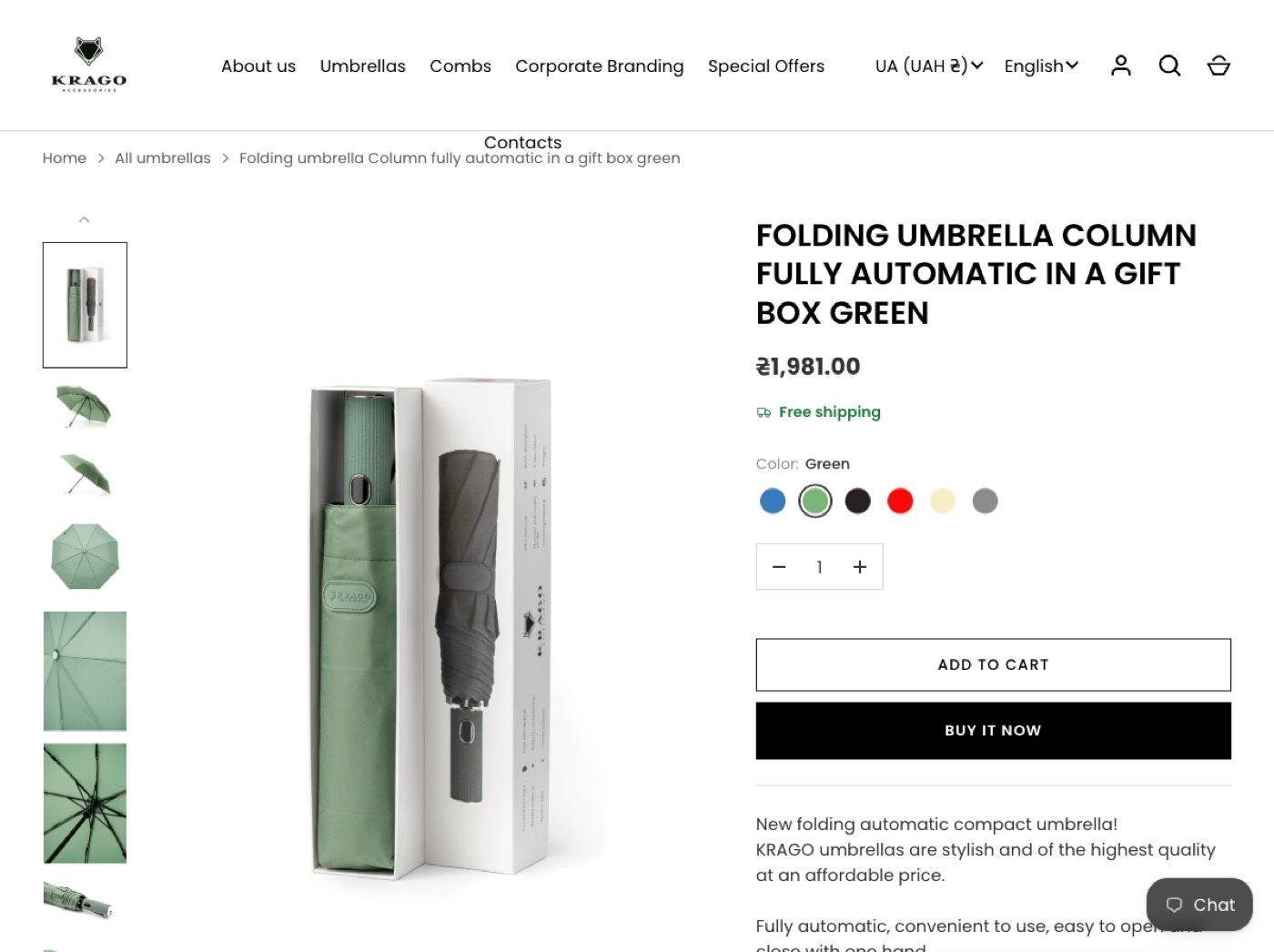
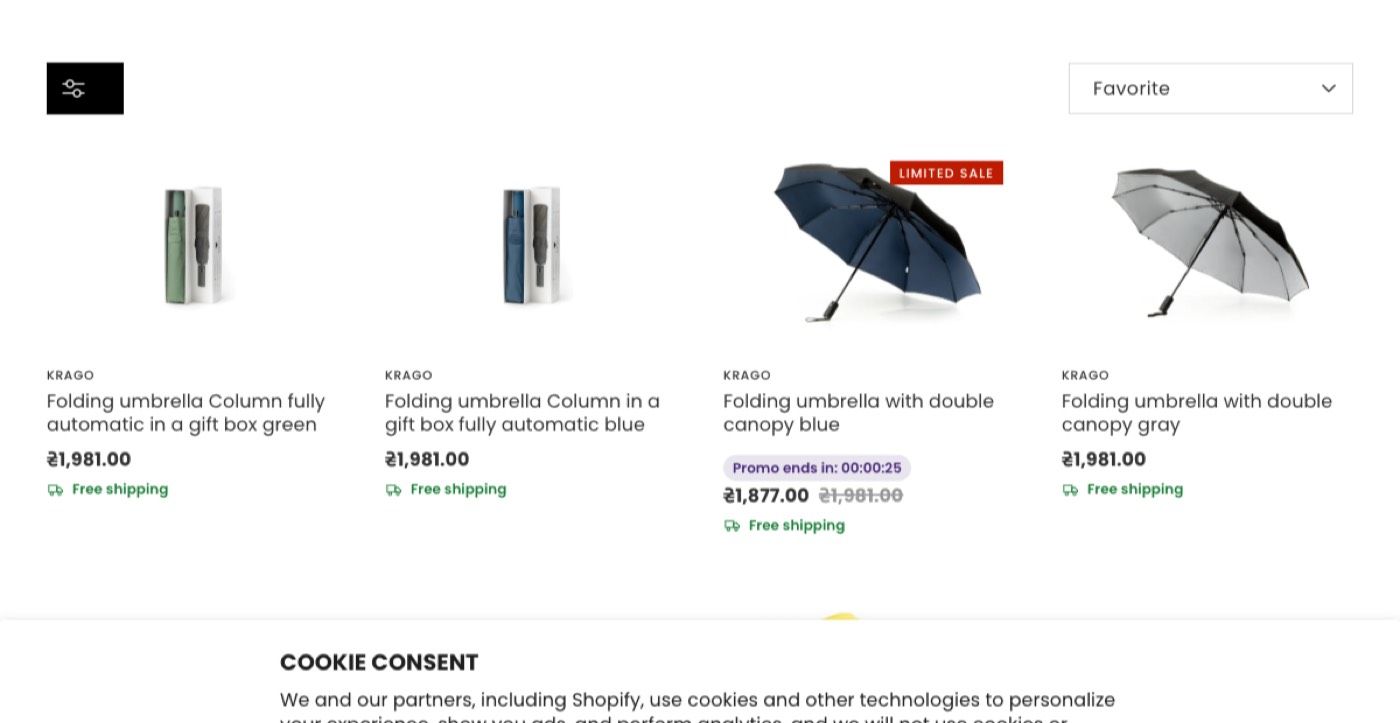
The EU store had no easy way to pick a delivery country and city in the cart. Shoppers type a country in many languages, and the Ukrainian carrier's API knows only Ukrainian cities and does not take Latin letters. The client also wanted a broken colour filter fixed and delivery times shown per country.
Solution
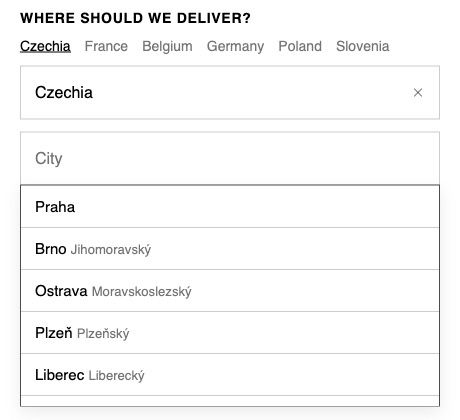
I ported the cart drawer and replaced the old picker with my own web component: quick buttons for priority countries, country search in several languages, a city list from an external data source and an open map data fallback. The choice is saved in the cart and fills the country and city in checkout. A theme setting switches the widget off.
Key decisions
Chose a lightweight address lookup that needs no API key on the storefront
Why A private key must never be exposed in a browser, so the storefront widget uses a lookup that needs none.
Chose open map data as a fallback
Why Live checks showed one priority country had no data at all in the main source.
Chose a theme-settings switch for the widget
Why External data can change over time, so the merchant can turn the widget off without a developer.
Chose the browser's own country names over a hard-coded dictionary
Why Search works in any language the shopper uses without a list I have to maintain.
Results
- The EU store has the same cart flow as the Ukrainian store, with six priority countries and any other country by hand.
- City coverage confirmed for seven EU countries, and the missing one is covered by the fallback.
- The change shipped as one reviewed pull request.
- A plan for the colour filter and a free-shipping badge design were handed over.
Client review
Anton set up Shopify Markets for us across Europe and the US: separate catalogs and EUR pricing for France, Belgium and the Netherlands, correct prices for every other country, and a clean country and currency selector. He dug into a tricky pricing issue until everything worked exactly as we needed. Knowledgeable, responsive and easy to work with
 KRAGO Acc sro Shopify Partner Directory (opens in a new tab)